

About Reletter
Reletter is a design tool for Web. Edit text in screenshots, menus, and product photos.
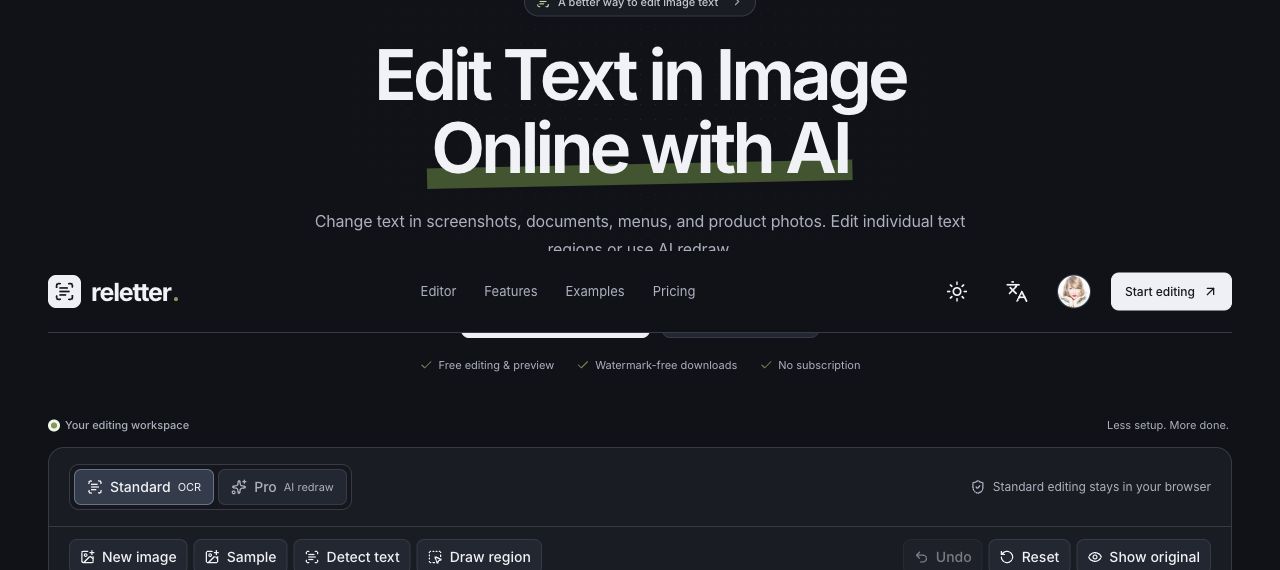
Reletter is a browser editor for changing text that is already part of an image. A seller can update a price on an old product photo, a café can correct a printed menu, and a support writer can update a label in a screenshot. These changes are useful when the original design or source file is unavailable. Start with a PNG, JPEG, or WebP. The Standard editor detects English and Chinese text in the browser. Pick a text region, type a replacement, and check the result in the full image. Each region can be edited independently. Use the sample menu or upload your own image to try the standard workflow. Standard previews are available without an account and carry a watermark. Pro offers a selected-area redraw for lettering over complex backgrounds, such as printed labels or textured graphics. The Pro workflow sends the selected context crop for processing. Sign in and use credits for Pro redraws or clean PNG downloads. Packs cost US$4.99 for 100 credits, US$19.99 for 650, or US$49.99 for 1,900. The editor is aimed at people who already have the image they want to keep. Its workflow starts with recognized text and lets you work on a specific region. Review the result before export, particularly for small lettering or unusual type.
Correct a price, label, or typo inside a flat image when the editable source is unavailable.
Online sellers, small business owners, and designers
At a glance
- Website
- aiedittextinimage.com
- Category
- Design Tools
- Pricing
- Freemium
- Founded in
- 2026
- Platforms
- Web
- Ownership
- Unclaimed ·
- Launched
- 24 Nov 2026
Questions about Reletter
Answers from aiedittextinimage.com, Reletter's own website.
What is Reletter?
Change text in screenshots, documents, menus, and product photos. Edit individual text regions or use AI redraw.
Small correction? Big creative change?
Choose the right tool for the image in front of you.
What can you do with Reletter?
Reletter's website highlights start with your image, image text editing examples, standard examples Actual edits, pro examples AI demonstrations, screenshots & messages and aI artwork text corrections.
Comments 1
From members who've used Reletter. Be specific and kind; it helps people decide and helps the makers build.
Reading your listing, this is the line that stayed with me: “Correct a price, label, or typo inside a flat image when the editable source is unavailable”. It says a lot about the problem you chose for online sellers, small business owners, and designers. My one piece of advice: make the first minute prove the value before you ask people for anything. As you get started here, what do you most want the first people using Reletter to notice?
Report