

About Hand On Web Image Compressor
Hand On Web Image Compressor is a design tool for Web. Compress, resize and convert images in your browser without uploading them.
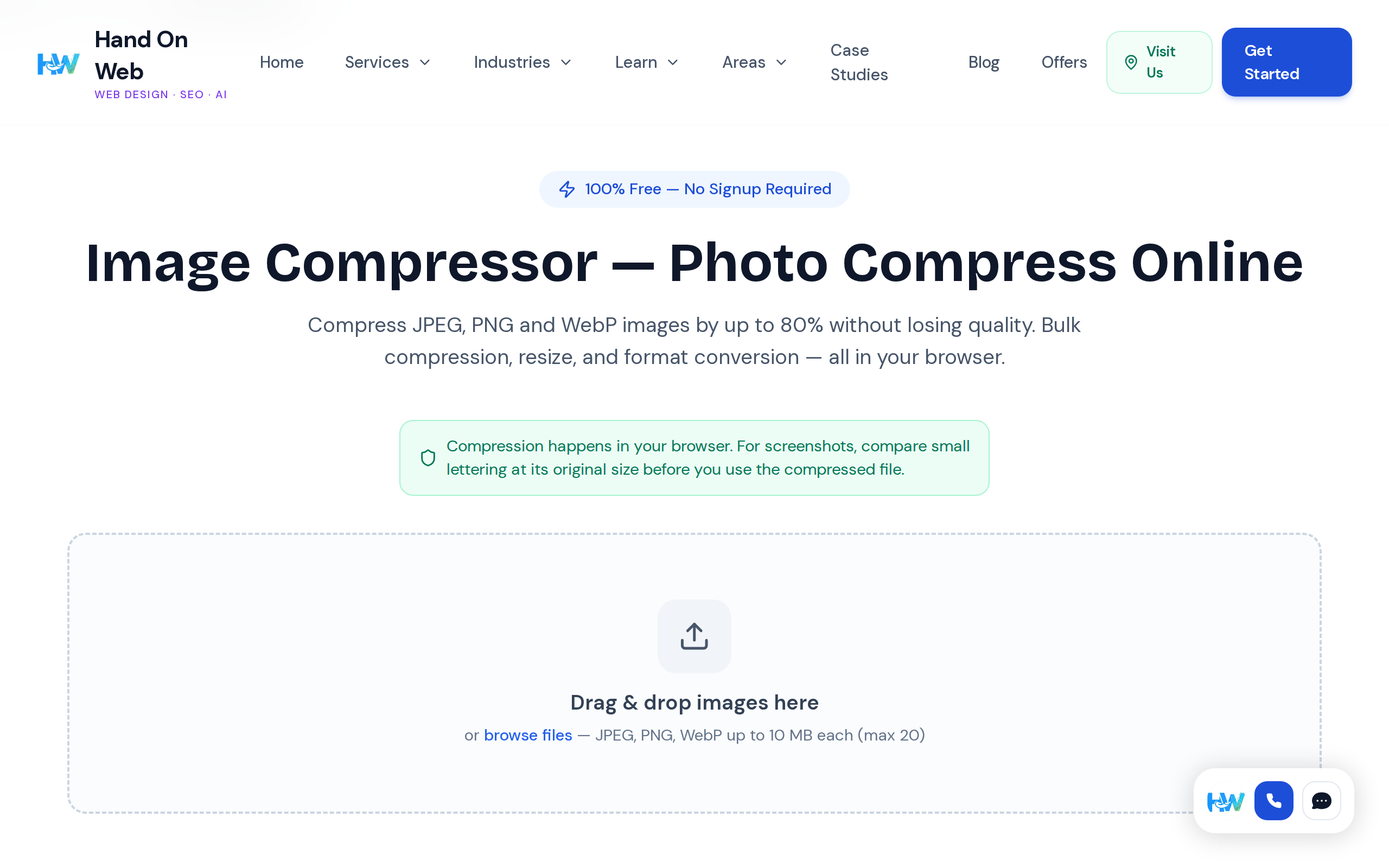
Hand On Web Image Compressor is a free browser app for preparing website images. Add up to 20 JPEG, PNG or WebP files at a time, with a limit of 10 MB per file. Adjust image quality or dimensions, convert formats where useful, and download your processed files. The app processes images on your device and does not require a login.
Preparing a batch of images for a website takes time when you have to resize each file separately. Browser-based processing also keeps original images off an upload server.
Website owners, designers and content teams preparing batches of images for the web
At a glance
- Website
- handonweb.com
- Category
- Design Tools
- Pricing
- Free
- Based in
- Chester, United Kingdom
- Founded in
- 2026
- Platforms
- Web
- Founders
- Reza Razm
- Ownership
- Unclaimed ·
- Launched
- 22 Nov 2026
Questions about Hand On Web Image Compressor
Answers from handonweb.com, Hand On Web Image Compressor's own website.
Is this image compressor really free?
Yes, completely free with no limits. There are no watermarks, no signup requirements, and no hidden fees. You can compress as many images as you need.
Are my images uploaded to a server?
No. All compression happens entirely in your browser using HTML5 Canvas. Your images never leave your device, making this the most private way to compress images online.
What image formats are supported?
You can compress JPEG, PNG, and WebP images. You can also convert between these formats — for example, converting PNG to WebP typically reduces file size by 25–35% with no visible quality loss.
How much can I reduce my image file size?
Typical savings range from 40% to 80% depending on the original image and your quality settings. WebP format generally achieves the best compression ratios while maintaining visual quality.
Will compression reduce image quality?
At quality settings of 70–85%, the difference is imperceptible to the human eye for photographs. For graphics and text-heavy images, PNG at higher quality or lossless WebP is recommended.
What is the maximum file size I can compress?
Each image can be up to 10 MB, and you can process up to 20 images at a time. For larger batches, simply clear and add more images.
What is WebP and should I use it?
WebP is a modern image format developed by Google that provides superior compression compared to JPEG and PNG. It is supported by all modern browsers and typically produces files 25–35% smaller than JPEG at equivalent quality. It is the recommended format for web use.
How does the Target Size feature work?
The Target Size feature uses a binary search algorithm to find the optimal quality setting that produces a file under your specified size limit. It automatically adjusts compression until the output meets your target.
Comments 1
From members who've used Hand On Web Image Compressor. Be specific and kind; it helps people decide and helps the makers build.
Reading your listing, this is the line that stayed with me: “Preparing a batch of images for a website takes time when you have to resize each file separately”. It says a lot about the problem you chose for website owners, designers and content teams preparing batche. My one piece of advice: make the first minute prove the value before you ask people for anything. As you get started here, what do you most want the first people using Hand On Web Image Compressor to notice?
Report