
About ImageSVG
ImageSVG is a design tool for Web. Turn PNG and JPG logos into editable SVG.
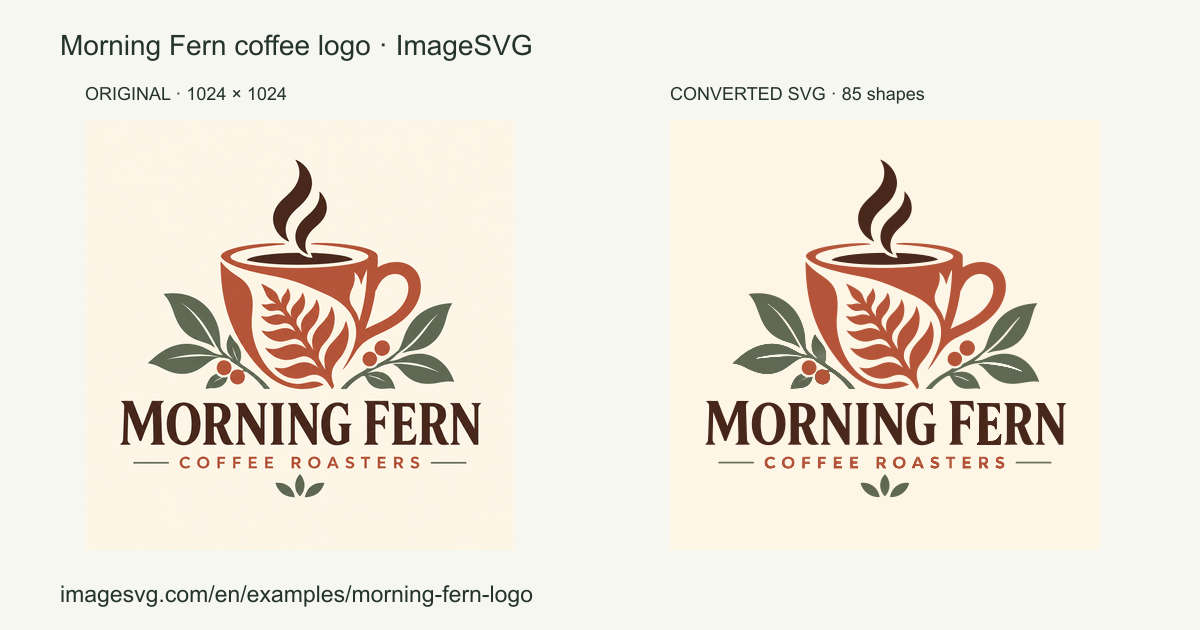
ImageSVG converts PNG and JPG logos, icons, line drawings, and illustrations into editable SVG paths. Preview the converted result alongside the source and inspect details before you download. Clear edges and distinct colors make good source artwork. Registered users get a free conversion allowance. Paid plans offer additional capacity and export options.
Designers and site owners often receive a logo or illustration as a raster image and need to use it at larger sizes. Rebuilding the shapes by hand takes time, especially around small lettering and narrow gaps.
Designers, website owners, and print creators working with logos, icons, and illustrations.
At a glance
- Website
- imagesvg.com
- Category
- Design Tools
- Pricing
- Freemium
- Founded in
- 2026
- Platforms
- Web
- Ownership
- Verified owner
- Launched
- 22 Nov 2026
Questions about ImageSVG
Answers from imagesvg.com, ImageSVG's own website.
Is the SVG really editable?
Yes. Open the SVG in a vector editor such as Figma, Inkscape or Illustrator to change shapes and colors. Letters from the image become shapes: to change a word, type it again in your editor. Some effects may look different between apps.
Will every image look perfect?
No automatic tracer can guarantee perfection. This tool suits icons and logos, not photos. Tiny text, touching shapes, shadows and textures may need manual edits. Try a free preview before buying.
Do you upload my image?
No. Your image and SVG result are not uploaded to the cloud during conversion. Account authorization and quota records use only the necessary usage data. Feedback you choose to submit is uploaded separately.
How long are files kept?
Your images and results stay in this browser for 24 hours. Download them in time, or upload the original again after they expire.
What is a vector image?
A vector image stores lines and shapes instead of a fixed grid of pixels. You can enlarge those shapes without making the edges pixelated. A bad conversion can still change the drawing, so check the result.
Do I need SVG instead of PNG?
Use SVG to resize or edit a drawing. If a PNG already looks sharp at the size you need, you can keep it. Photos usually work better as PNG, JPEG or WebP.
What can I do for free?
Inspect and download the fixed public examples without an account. Sign in to convert your own images: up to 3 per UTC day and 15 per month, one at a time, with SVG download.
Comments 1
From members who've used ImageSVG. Be specific and kind; it helps people decide and helps the makers build.
Reading your listing, this is the line that stayed with me: “Designers and site owners often receive a logo or illustration as a raster image and need to use it at larger sizes”. It says a lot about the problem you chose for designers, website owners, and print creators working with l. My one piece of advice: make the first minute prove the value before you ask people for anything. As you get started here, what do you most want the first people using ImageSVG to notice?
Report