
About Fabbo
Fabbo is a video & photo product for Web. Create videos from text or photos and make still images in one browser workspace.
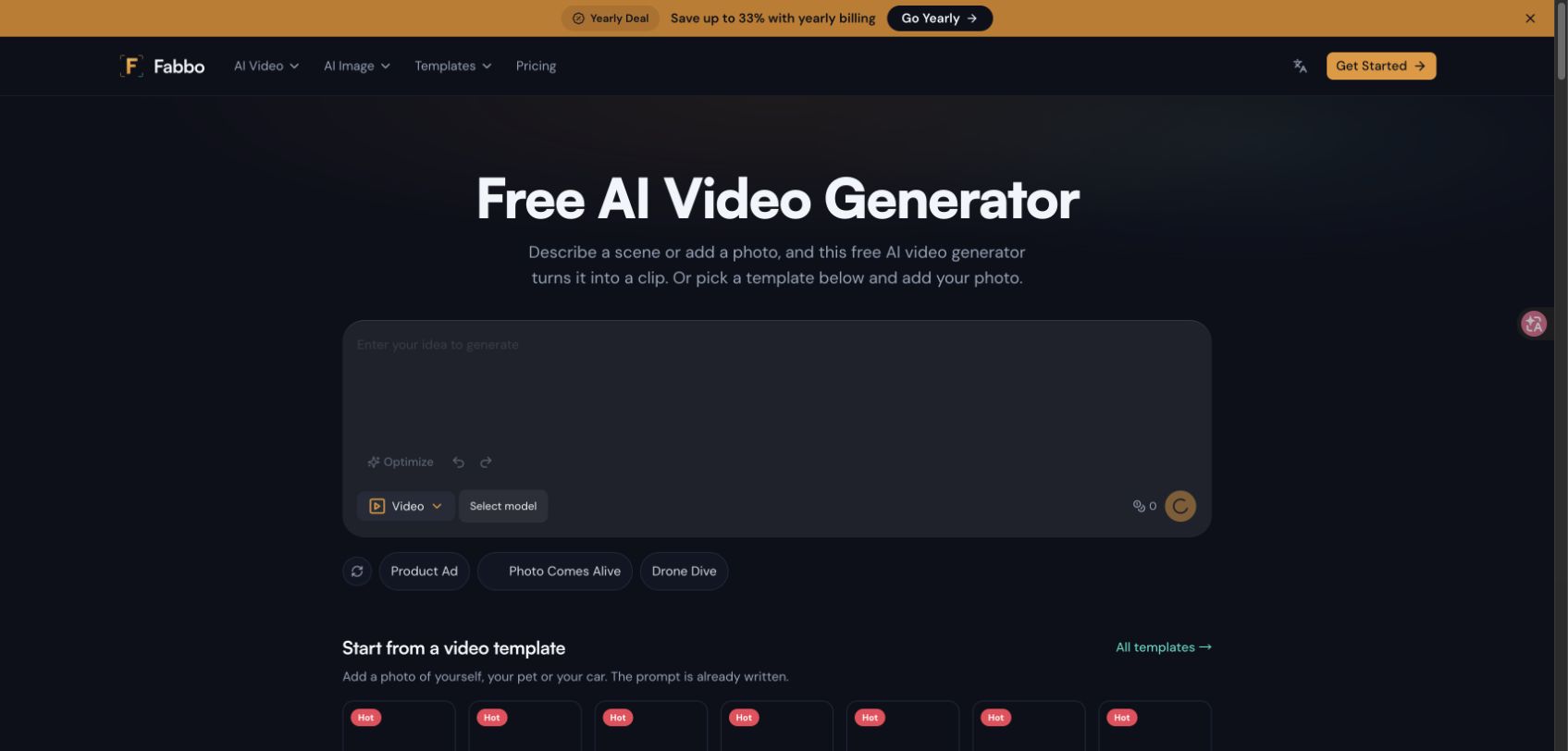
Fabbo is a browser studio for AI video and image creation. Start a clip from a written scene or animate an uploaded photo. Ready-made video templates provide another starting point, and the studio also generates and edits still images. New accounts get starter credits; paid plans add capacity.
Independent creators and marketers often switch tools between preparing an image and turning it into a short clip. Fabbo supports both steps, with reusable examples and templates for getting started.
Independent creators, marketers and small creative teams.
At a glance
- Website
- fabbo.ai
- Category
- Video & Photo
- Pricing
- Free trial
- Based in
- Cody, Wyoming, United States
- Founded in
- 2025
- Platforms
- Web
- Founders
- Jareth Vale
- Ownership
- Unclaimed ·
- Launched
- 27 Nov 2026
Questions about Fabbo
Answers from fabbo.ai, Fabbo's own website.
What is Fabbo?
Fabbo is a free AI video generator that turns a sentence or a photo into a video, puts your photo into a ready-made template, and makes and edits images.
Is Fabbo free?
Yes. New accounts get free credits at sign-up, with no card required, and a failed generation refunds its credits automatically. Paid plans add credits when you run out.
What is a video template on Fabbo?
A video template is a ready-made video effect, such as Flying Car or Crazy Frog AI. You add a photo of yourself, your pet or your car, and the prompt, model and settings are already chosen, so you get the finished clip without writing anything.
Which AI video models are available on Fabbo?
Fabbo carries video models from Google, Seedance, Kling, MiniMax, Wan, Grok, Flux, HappyHorse and Vidu, and image models from OpenAI, Google, Seedream, Flux and Grok, adding new ones as they launch.
Do I need editing skills to use Fabbo?
No. Pick a template and add a photo, or type what you want to see, starting from one of the example prompts under the box if you like. You download the finished clip; there is no timeline to edit.
Can I turn my own photo into a video?
Yes. Upload a photo to the generator and describe how it should move, or add it to a template to get that template's video with your photo in it.
Do the videos have sound?
Several of the video models make the sound with the picture, in the same pass: dialogue, ambience and effects arrive already in sync with the clip. Audio is a toggle on the models that support it, and on most of them it costs no extra credits.
Can I use Fabbo outputs commercially?
Yes. You keep ownership of what you generate on Fabbo, on every plan, apart from any Fabbo-supplied material it incorporates — an effect recipe, a pinned reference image, a hosted motion clip or a preset — which stays owned by Fabbo or its licensors and comes with a licence to use it as part of your result. Output comes from third-party AI models, so third-party terms or rights may also apply, and you are…
Comments 1
From members who've used Fabbo. Be specific and kind; it helps people decide and helps the makers build.
Hi lin, thanks for trusting Science of Apps with the launch of Fabbo. There's a clear point of view behind it, which is rarer than it should be. If I could add one thing, the first thirty seconds decide everything for an app like it, so I'd hold back anything that asks for effort until it has shown something people enjoy.
Report