

 +1
About SheetScoop
SheetScoop is a productivity tool for Browser extension. Turn any web list or table into a spreadsheet.
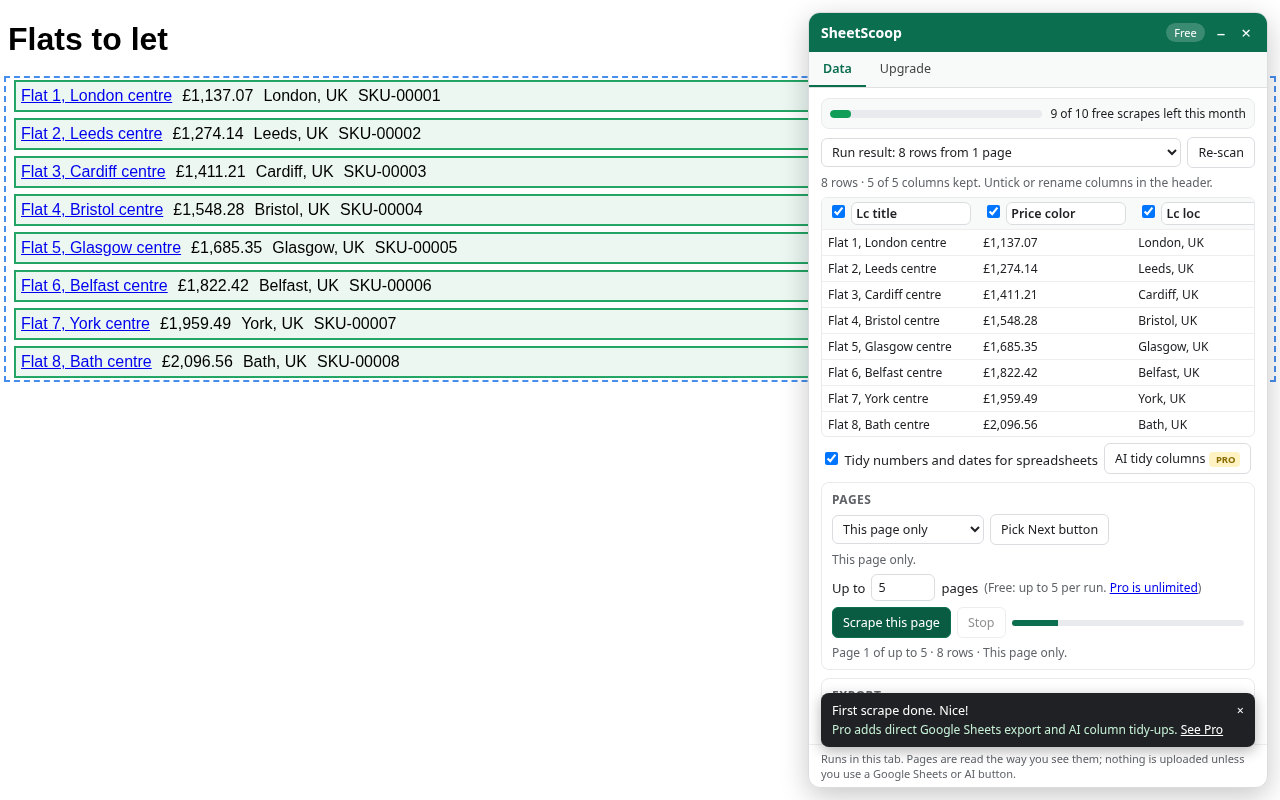
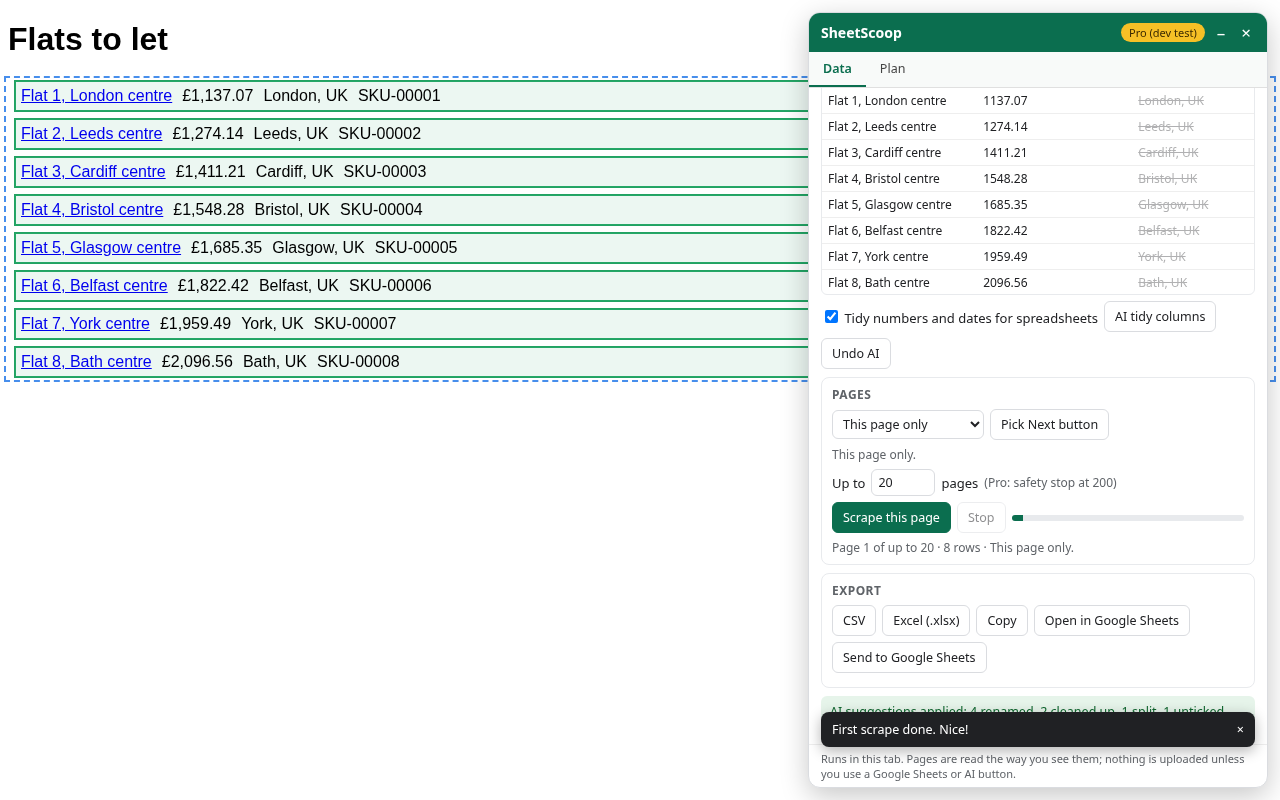
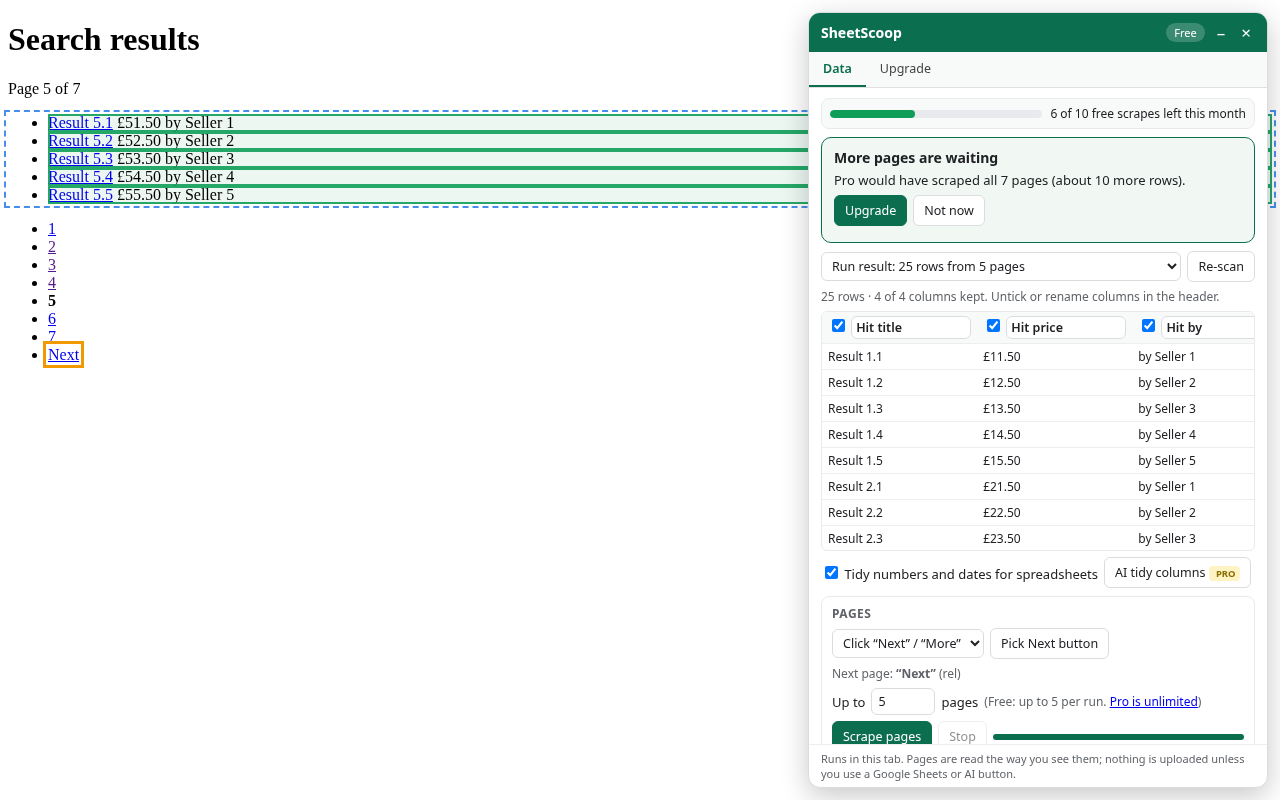
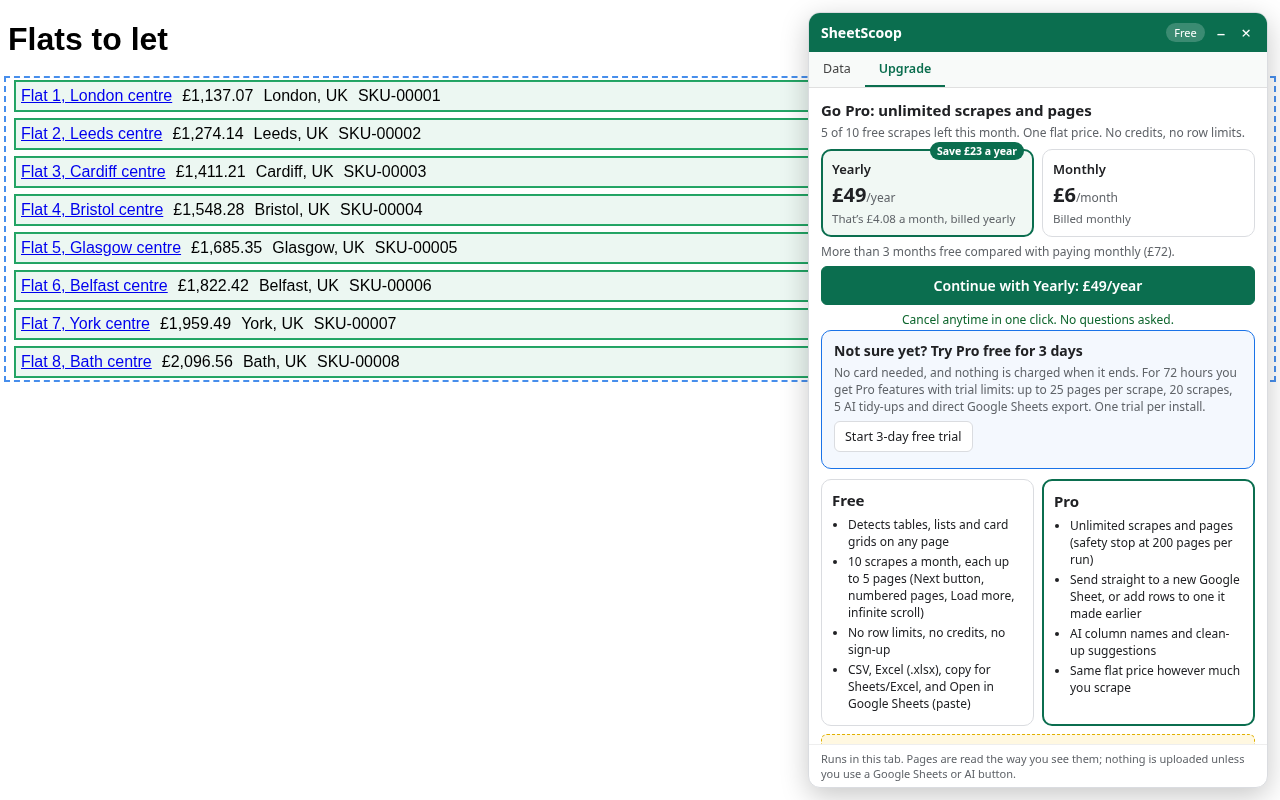
SheetScoop is a Chrome extension that turns lists, product grids, search results and tables on a web page into a spreadsheet in a couple of clicks. Open a page, click the icon, and it finds the repeating data and highlights it. Untick or rename columns, then scrape this page or several pages. It can follow Next, Load more and infinite scroll, waits between pages, and skips duplicate rows. Export to CSV, Excel or Google Sheets. The free tier is 10 scrapes a month, up to 5 pages each, with no sign-up, no row limits and no analytics. Pro is a flat £6 a month or £49 a year, with unlimited scrapes, direct Google Sheets export and AI tidy columns. Scraping runs in your own tab. Made by Curator Pal.
Scrape lists, product grids and tables across pages into CSV, Excel or Google Sheets. Free for 10 scrapes a month, up to 5 pages each.
At a glance
- Website
- chromewebstore.google.com
- Category
- Productivity
- Pricing
- Freemium
- Platforms
- Browser extension
- Founders
- Peter
- Ownership
- Unclaimed ·
- Launched
- 18 Nov 2026
Questions about SheetScoop
What is SheetScoop?
SheetScoop is a productivity tool for Browser extension. Turn any web list or table into a spreadsheet. SheetScoop is a Chrome extension that turns lists, product grids, search results and tables on a web page into a spreadsheet in a couple of clicks.
What problem does SheetScoop solve?
Scrape lists, product grids and tables across pages into CSV, Excel or Google Sheets. Free for 10 scrapes a month, up to 5 pages each.
Which platforms does SheetScoop support?
SheetScoop is available on Browser extension.
Who founded SheetScoop?
SheetScoop was founded by Peter.
Comments 0
From members who've used SheetScoop. Be specific and kind; it helps people decide and helps the makers build.
No comments yet. Tried SheetScoop? Start the conversation.