

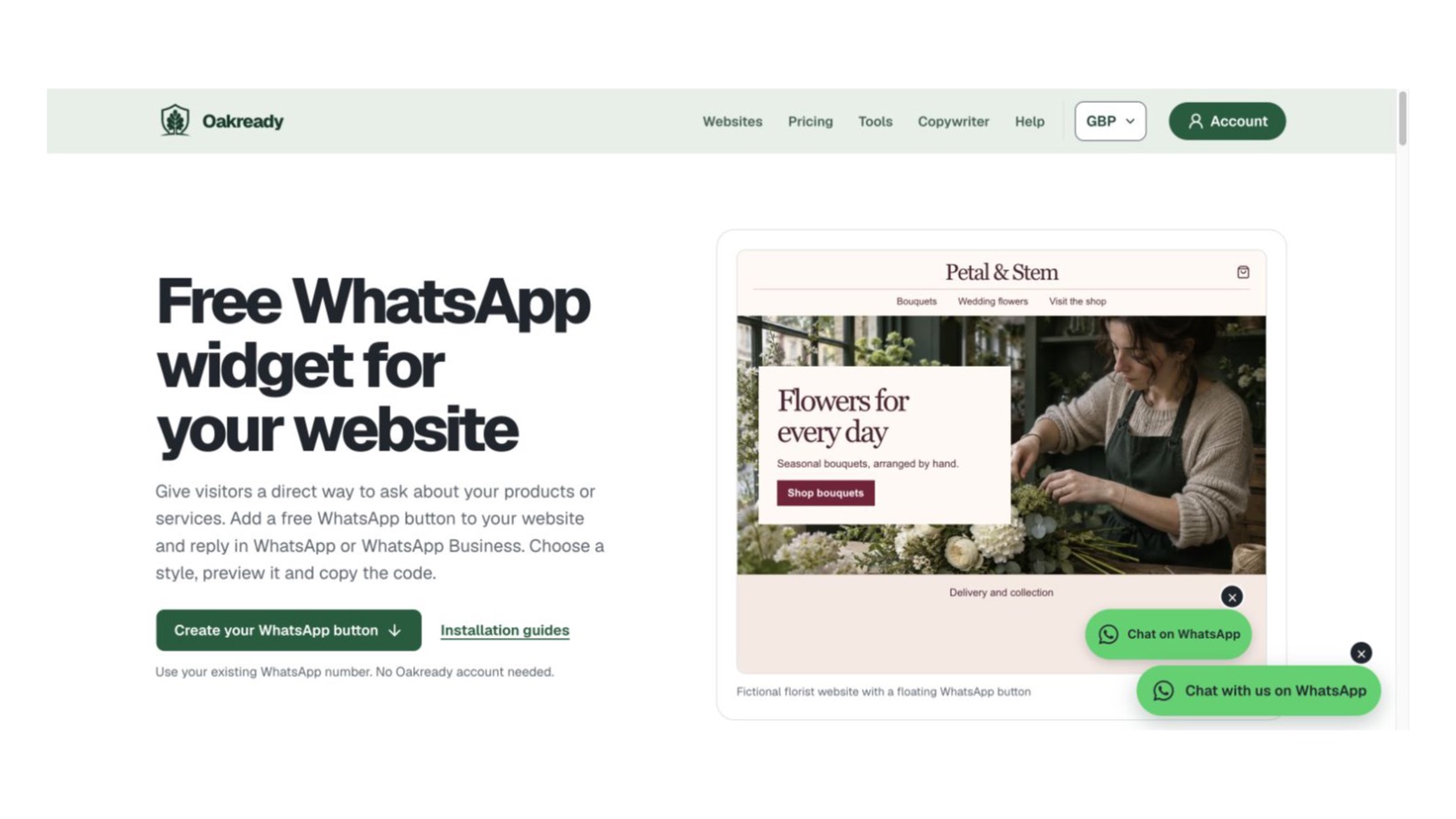
About Oakready Free WhatsApp Widget
Oakready Free WhatsApp Widget is a no-code & low-code product for Web. Add a free WhatsApp chat button to your website. No Oakready account needed.
Give website visitors a direct way to message you on WhatsApp. This free builder needs no Oakready account or API key: enter your public WhatsApp number, choose an icon-only or labelled button, pick a bottom corner, set optional opening hours, then preview and copy the embed code. Or copy a chat link for a button you already have (opening hours don't apply to the link). Clicking opens WhatsApp or WhatsApp Web; conversations happen there, not in an on-site inbox. You need an active WhatsApp or WhatsApp Business number, and it will be visible in the code and link. Installation steps cover WordPress, Shopify, Wix, Squarespace, Webflow and plain HTML; custom-code access depends on your platform and plan.
Website owners
At a glance
- Website
- oakready.com
- Category
- No-code & Low-code
- Pricing
- Free
- Founded in
- 2026
- Platforms
- Web
- Founders
- Josh Thompson
- Ownership
- Unclaimed ·
- Launched
- 26 Nov 2026
Questions about Oakready Free WhatsApp Widget
Answers from oakready.com, Oakready Free WhatsApp Widget's own website.
What is Oakready Free WhatsApp Widget?
Create a free WhatsApp chat button for your website. Set its style and opening hours, preview it, then copy the code for WordPress, Shopify, Wix and more.
Is the WhatsApp widget free?
Yes. You can customise the button and copy the code or chat link for free without creating an Oakready account.
Can I use my existing WhatsApp number?
Yes. Enter the public number you want customers to reach, including its country code. Use a number that already receives messages in WhatsApp or WhatsApp Business.
Do visitors chat on my website or in WhatsApp?
The button opens WhatsApp or WhatsApp Web with a chat addressed to your number. Visitors type a message, or edit the pre-filled text, then choose to send it. You reply in WhatsApp or WhatsApp Business. This widget does not add an inbox or chatbot to your website.
What happens to the number I enter?
Your embed code and chat link are created in your browser. Both contain the number you enter, so use a number you are happy to make public. Your pre-filled message is included too.
Can I hide the button outside opening hours?
Yes. Choose your open days, times and business time zone. The schedule controls when the floating button appears on your site.
Can I use this as a WhatsApp link generator?
Yes. Enter your WhatsApp number, add a pre-filled message if you want one and choose Copy chat link. Use the wa.me link as the destination of a button in your website editor. Opening hours you set here do not apply to the link.
What if my website editor blocks scripts?
Choose Copy chat link and use it as the destination of an ordinary button in your editor. It opens the same WhatsApp chat without adding a script to your page.
Comments 1
From members who've used Oakready Free WhatsApp Widget. Be specific and kind; it helps people decide and helps the makers build.
Reading your listing, this is the line that stayed with me: “Give website visitors a direct way to message you on WhatsApp”. It says a lot about the problem you chose for website owners. My one piece of advice: make the first minute prove the value before you ask people for anything. As you get started here, what do you most want the first people using Oakready Free WhatsApp Widget to notice?
Report