

isave
- Developer Tools
- United State
- Bootstrapped
- Founded 2026
- Launched 22 Nov 2026
About iSave Video
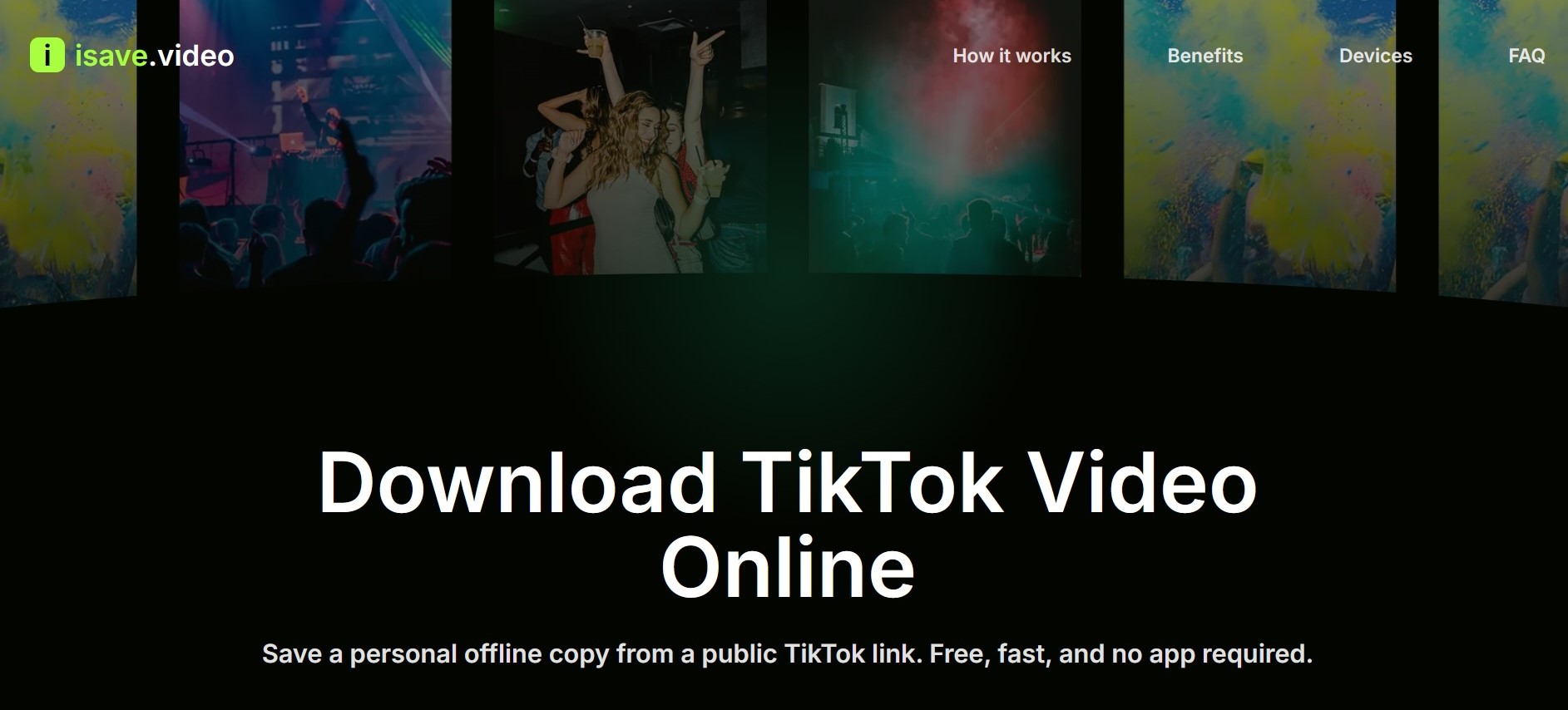
iSave Video is a developer tool for Web, Windows and Browser extension. Download TikTok videos without watermarks in HD MP4 format or convert them to MP3.
iSave Video is a fast, free browser-based web tool designed to download public TikTok videos in high-definition MP4 format without watermarks and extract clean MP3 audio tracks from video links in seconds. It works on desktop and mobile browsers without requiring software installation, account registration, or recurring subscriptions.
Creators, marketers, and everyday users often need to save public TikTok videos or extract audio quickly, but many downloaders add watermarks, force app installs, or slow down with intrusive pop-ups. iSave Video solves this by letting users grab clean HD MP4 videos without watermarks or convert to MP3 right in the browser.
Content creators, social media managers, marketers, everyday users
At a glance
- Website
- isave.video
- Category
- Developer Tools
- Pricing
- Free
- Stage
- Bootstrapped
- Based in
- United State
- Founded in
- 2026
- Platforms
- Web, Windows, Browser extension
- Founders
- isave
- Ownership
- Unclaimed ·
- Launched
- 22 Nov 2026
Questions about iSave Video
Answers from isave.video, iSave Video's own website.
What is iSave Video?
Download TikTok videos in HD MP4 with iSave. Paste a public TikTok link and save in seconds. No login or app; works on iPhone, Android, and desktop.
How do I download a TikTok video online?
Copy the public TikTok video link, paste it into iSave, select Download TikTok Video, and save the available file to your device.
Can I download TikTok videos on iPhone or Android?
Yes. iSave works in modern mobile browsers on iPhone, iPad, and Android, with no app installation required.
Does iSave work with private TikTok accounts?
No. iSave supports only publicly accessible TikTok links.
Is the TikTok video downloader free?
Yes. iSave is free to use and does not require an account or subscription.
Can I use downloaded TikTok videos commercially?
Only if you own the content or have permission from the rights holder. You are responsible for following copyright law and TikTok's terms.
Do I need to install any software or app?
No installations required. Our TikTok downloader is web-based, meaning you don't need to install any apps, plugins, or extensions. Just open the site in your browser, paste the TikTok link, and hit download - it's that simple. Fast, secure, and hassle-free.
Can I download TikTok videos without a watermark?
When a watermark-free version is available for the public link, iSave provides it as an MP4 download for personal offline viewing.
Comments 1
From members who've used iSave Video. Be specific and kind; it helps people decide and helps the makers build.
Reading your listing, this is the line that stayed with me: “Download TikTok Video in a Few Simple Steps”. It says a lot about the problem you chose for content creators, social media managers, marketers, everyday. My one piece of advice: before adding anything new, watch five people use it for the first time and fix the first place they hesitate. As you get started here, what have the first people using iSave Video taught you that you didn't expect?
Report