

 +2
About AnyTranslator
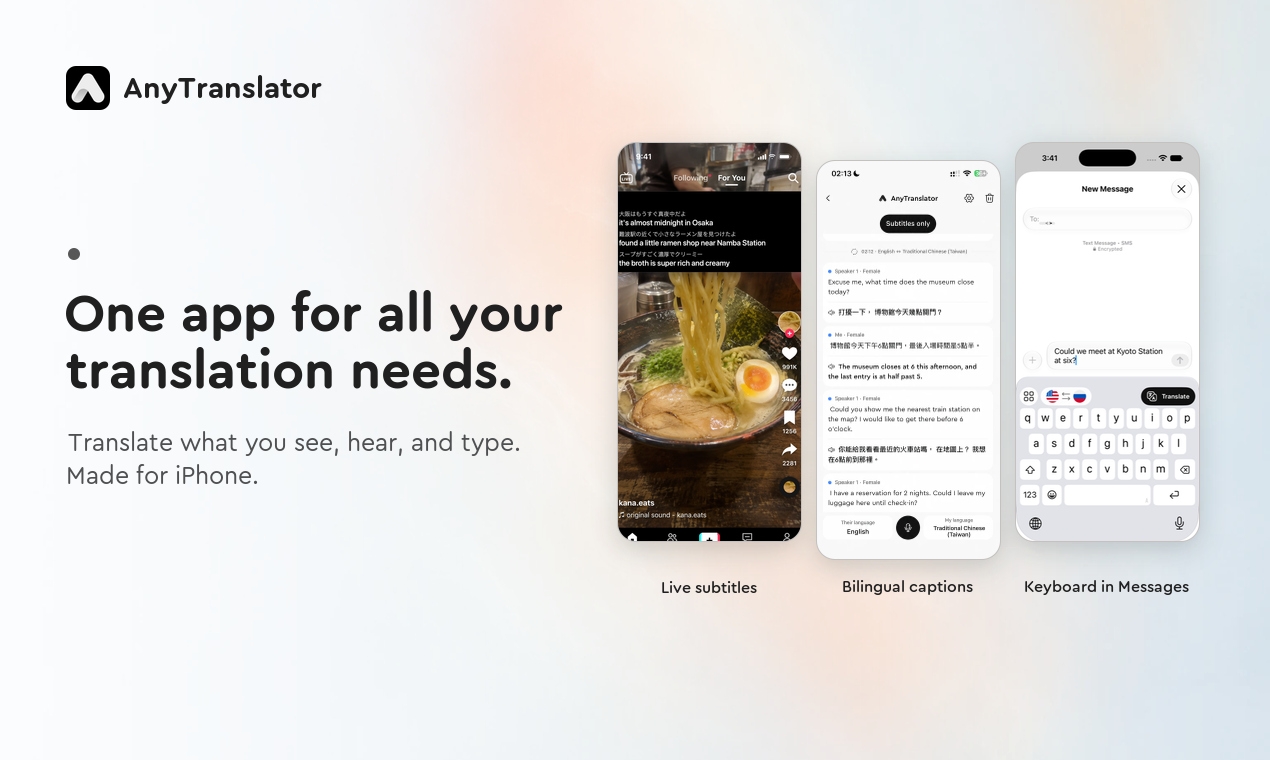
AnyTranslator is a mobile app for iOS. Translate subtitles, conversations, menus, and messages on iPhone with a real iOS translation keyboard.
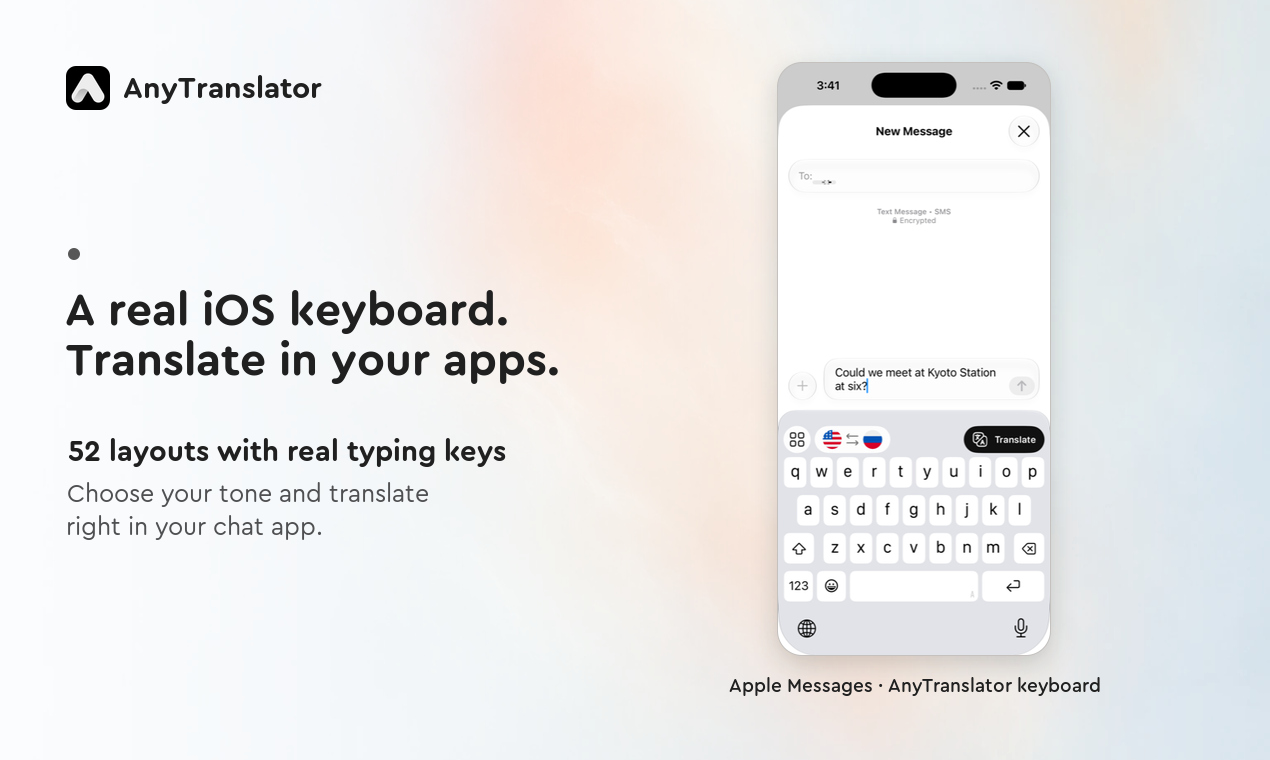
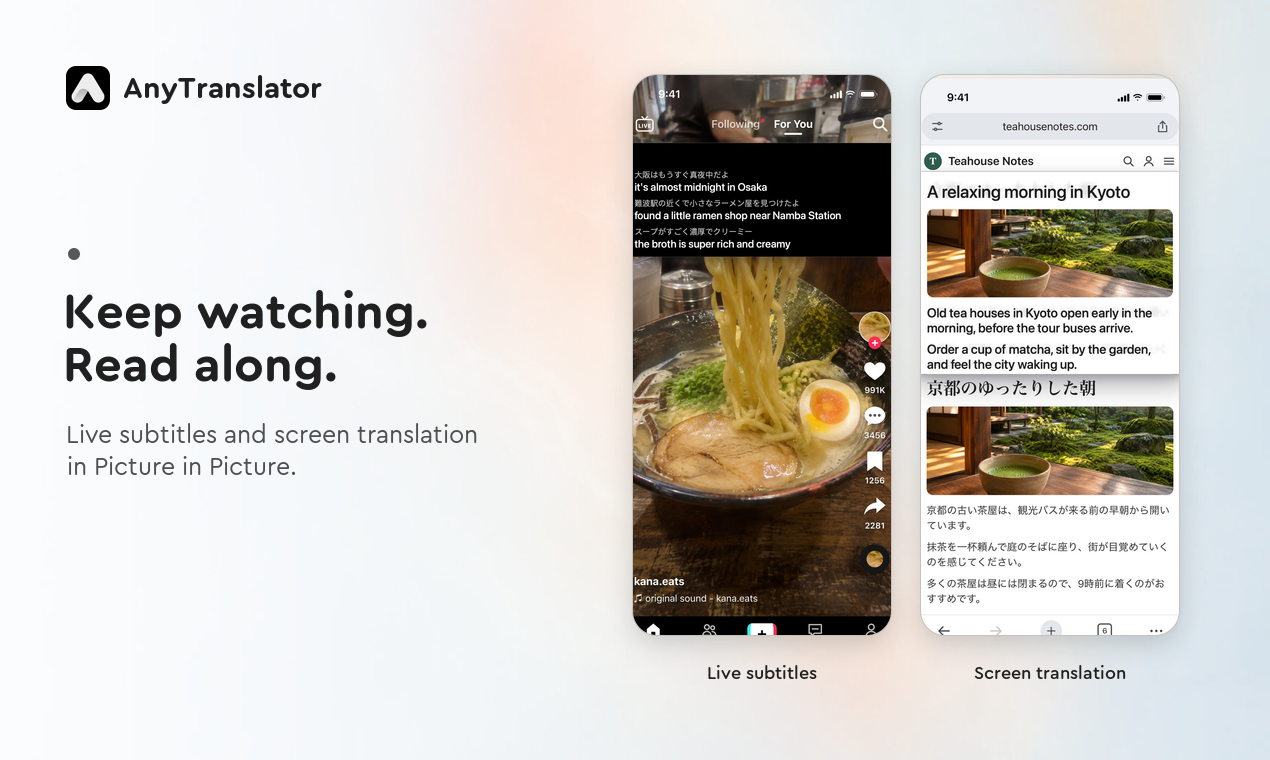
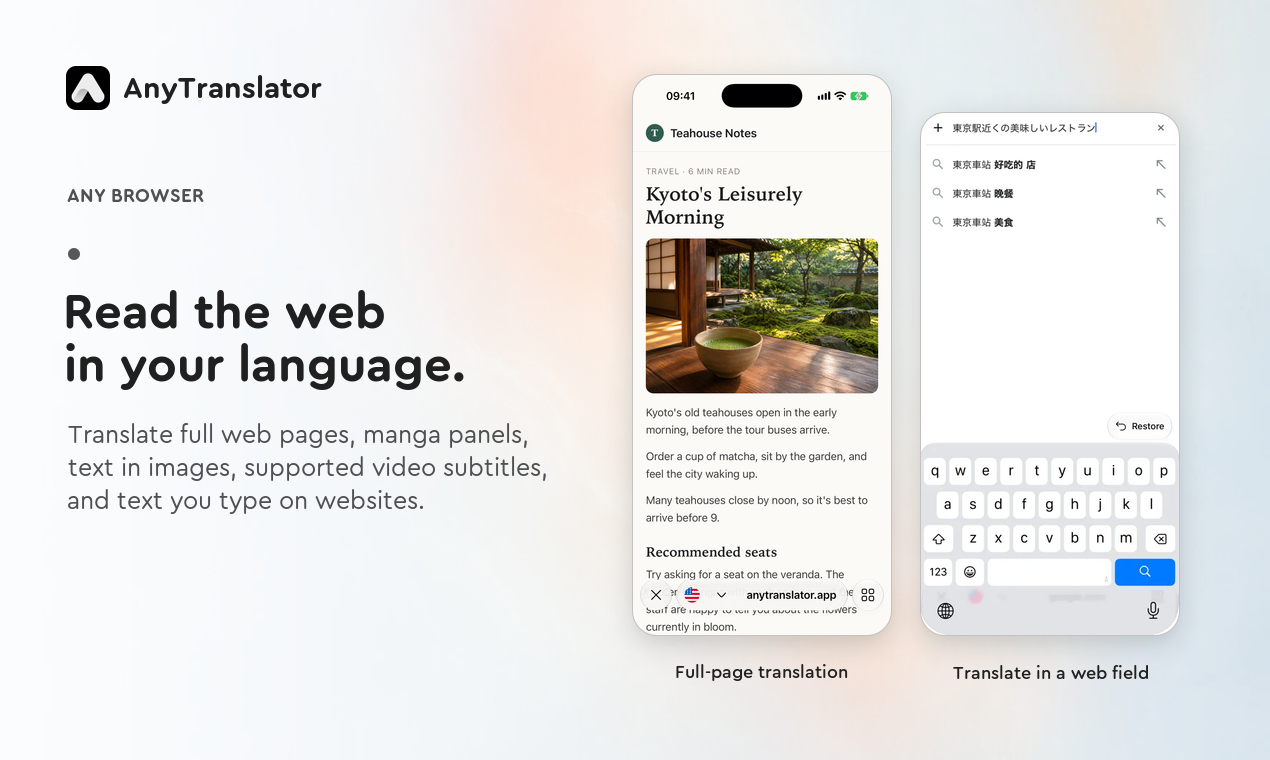
AnyTranslator brings translation into the places you already use on your iPhone. In Messages and other apps, switch to a real iOS translation keyboard, type with dedicated key layouts, and insert a translated reply into the same conversation. Picture-in-picture translations keep subtitles and translated screen text visible as you watch or read. In person, use two-way voice translation, or point your camera at a menu or sign. For tricky text, the AI helper explains grammar and meaning in context and helps you compare natural ways to phrase a sentence. The same app also includes AI language lessons and a home-screen widget for review. The gallery also previews in-browser translation for web pages, manga panels, and text in images.
When you switch languages, copying text into a separate translator interrupts the conversation or video. AnyTranslator brings translation to the keyboard, screen, microphone and camera.
Travelers, multilingual families, language learners, and people who regularly watch, read, or reply across languages.
At a glance
- Website
- anytranslator.app
- Category
- Mobile Apps
- Pricing
- Freemium
- Founded in
- 2024
- Platforms
- iOS
- Founders
- Luyi
- Ownership
- Verified owner
- Launched
- 27 Nov 2026
Questions about AnyTranslator
Answers from anytranslator.app, AnyTranslator's own website.
What is AnyTranslator?
Read the menu. Send the reply. Text, photos and video subtitles meet natural AI speech and conversation practice, so you can put another language to use.
Can I try it for free?
Try translation, the AI assistant, voice and basic Widget content for free; check the App for allowances. PRO adds multi-page scans, more Helper settings and custom learning content. Voice plans include more minutes.
Can I use it on Mac too?
Check the App Store for Mac compatibility and system requirements. The translation keyboard, learning Widget and cross-App translation are for iOS/iPadOS.
How is AI assistant voice different from voice translation?
For face-to-face chats, use voice translation for bilingual subtitles and natural AI speech. For questions or speaking practice, talk to the AI assistant and follow its examples. They use separate minute allowances.
How do I translate in a messaging App?
Enable the AnyTranslator keyboard and Full Access in iOS settings, then switch to it in a supported text field. Some secure fields and Apps restrict third-party keyboards.
Should I choose Menu, Document or Table?
Menu lets you choose dishes and extras, then show an order in the original language. Document organises paragraphs by page; Table keeps rows and columns. Scan 1 photo at a time for free, or up to 10 per batch with PRO. Reopen results from scan history.
How can I check Russian and German cases and endings?
Use Helper's Grammar, Common mistakes and Word-by-word analysis to understand Russian and German cases and endings. To revise your source sentence, ask the AI assistant to proofread it and explain why.
Is AnyTranslator right for you?
Give AI your needs and compare from another perspective.
Comments 1
From members who've used AnyTranslator. Be specific and kind; it helps people decide and helps the makers build.
意如, AnyTranslator is the kind of product I enjoy seeing on the Launchpad. Thank you for listing it on Science of Apps. A small thought: I'd make the first screenshot people see say what it does in five words or fewer. Rooting for you.
Report